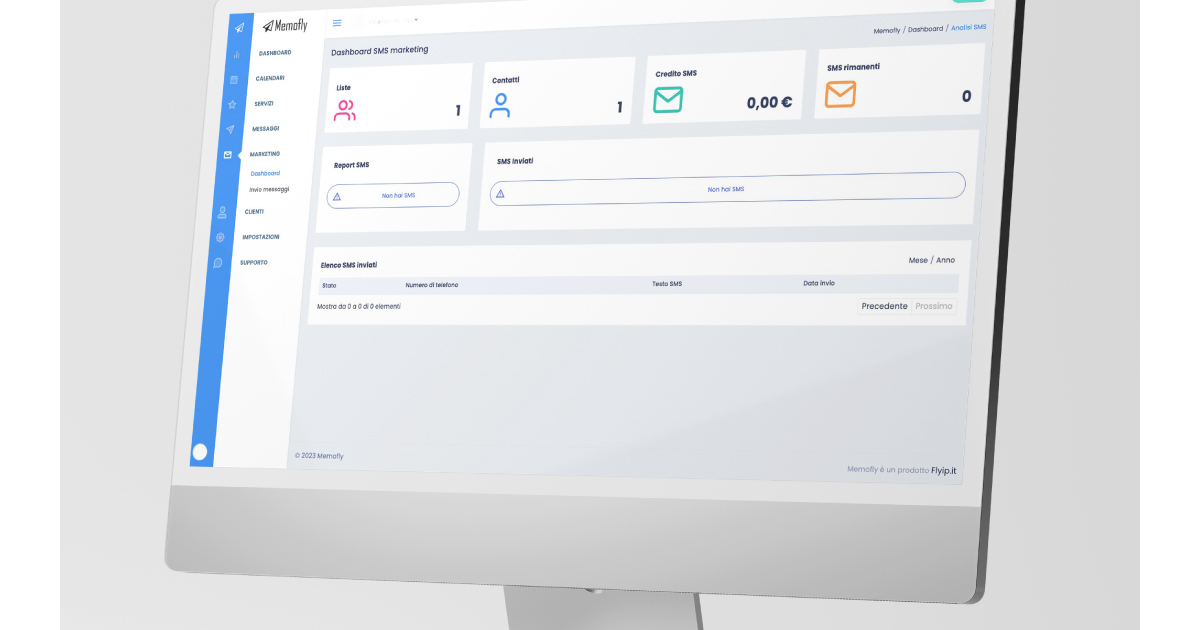
If you want to increase appointments (and consequently sales), you can reach your customers directly with promotional campaigns. Promotional campaigns allow you to send promotions and build customer loyalty. Nurture lasting relationships with personalized messages and special attention. How do you create a promotional campaign?
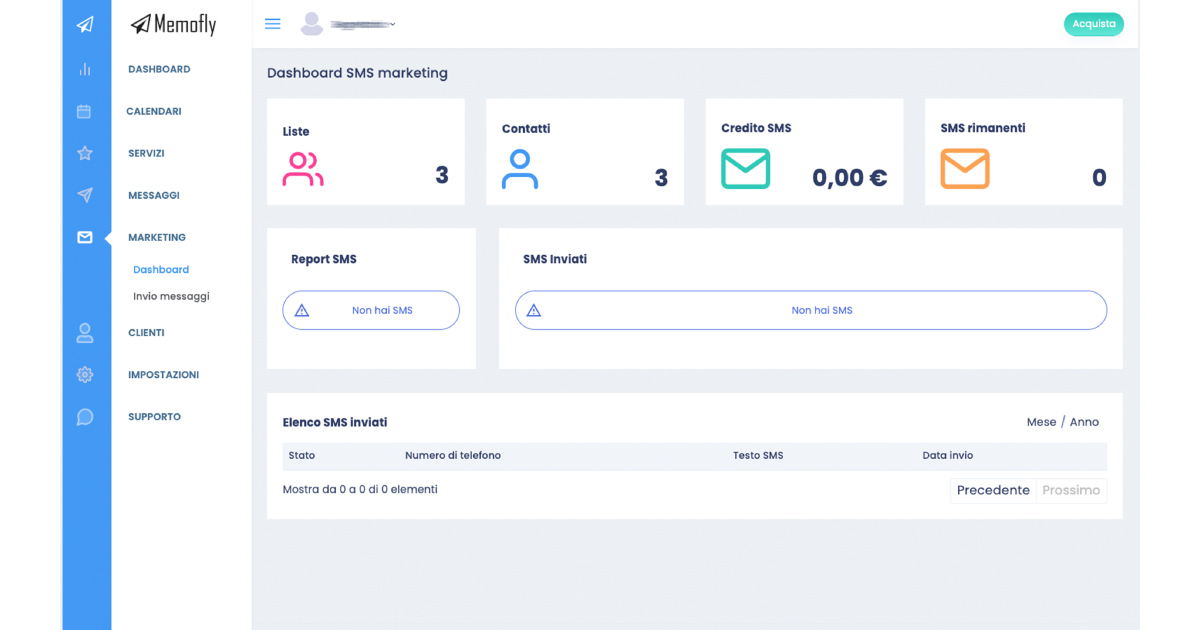
SMS Marketing Dashboard: All Information at Your Fingertips
Check the dashboard with all information about your marketing campaigns:
- Total contact lists: View the number of lists available to you
- Total contacts: Keep an eye on the total number of your registered customers
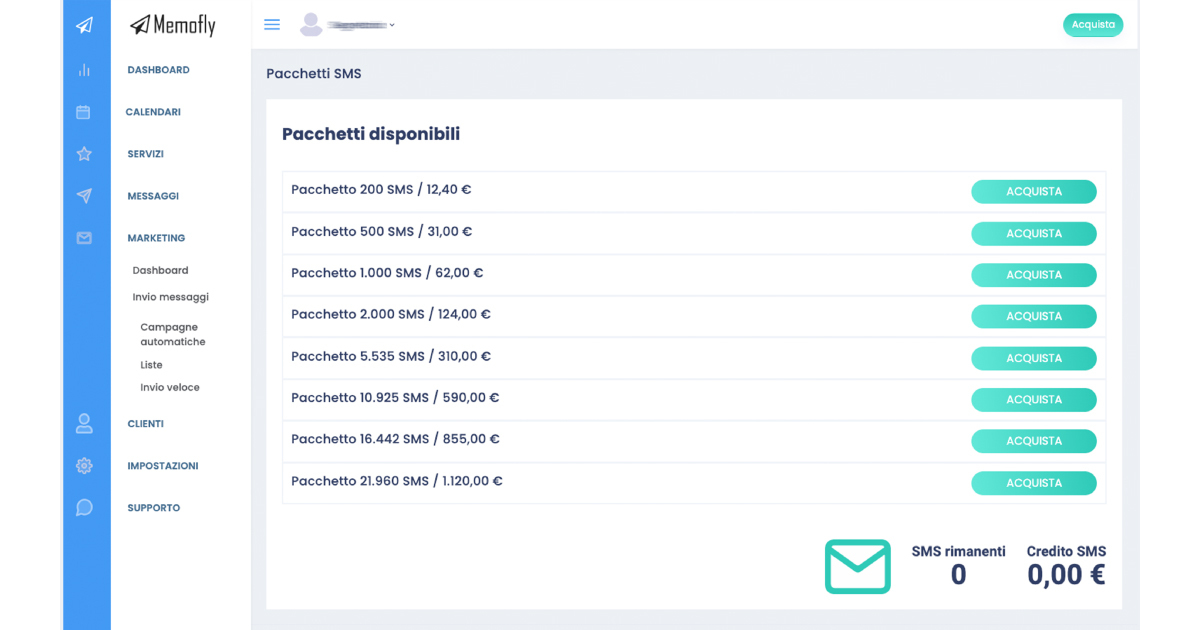
- SMS credit: Monitor your available credit for campaigns
- Remaining SMS: Make sure you always have SMS available
- SMS report: Analyze your campaign performance
- SMS sent: See the total number of SMS sent
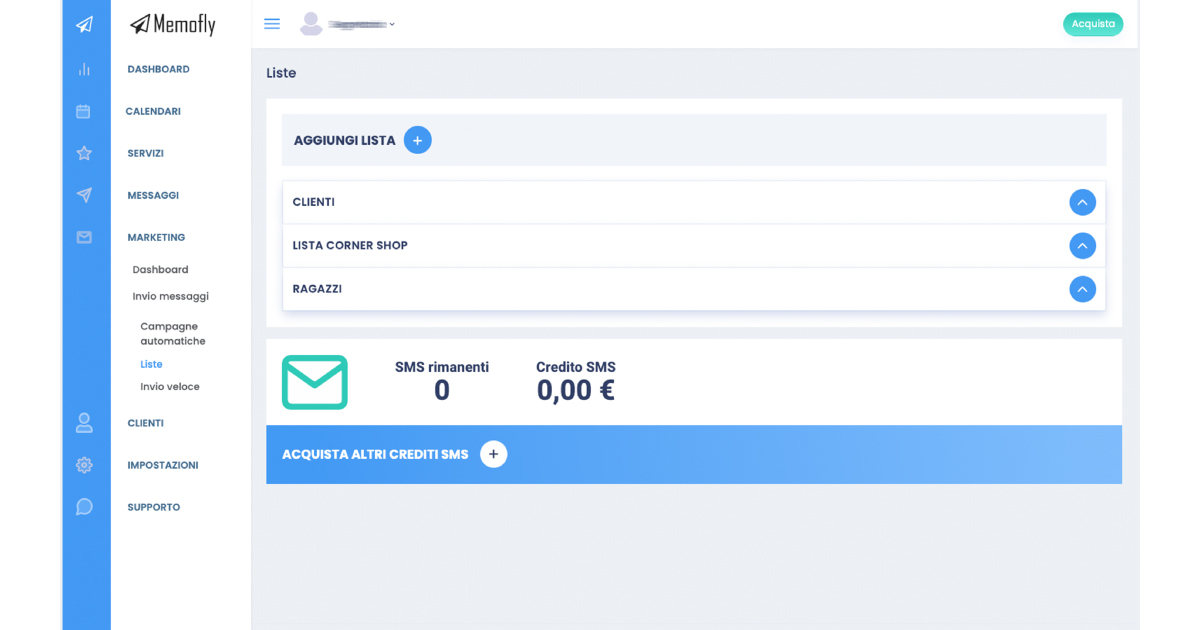
Lists for Targeted SMS Delivery
Optimize your SMS Marketing campaigns by leveraging contact lists. Make strategic use of lists to maximize this feature by directing your messages to the right people. To work on your contact lists, click on “Marketing > Send Messages > Lists”:
- Create different contact lists, defining the ideal audience for each campaign. Launch your offer to a targeted and well-defined audience. (For example: leads, event customers, young customers)
- Maximize return on investment by sending SMS only to recipients who are genuinely interested
- Achieve higher open rates, clicks, and conversions
- Enhance your customers’ experience by pampering them with personalized and engaging messages
- Build solid and lasting relationships
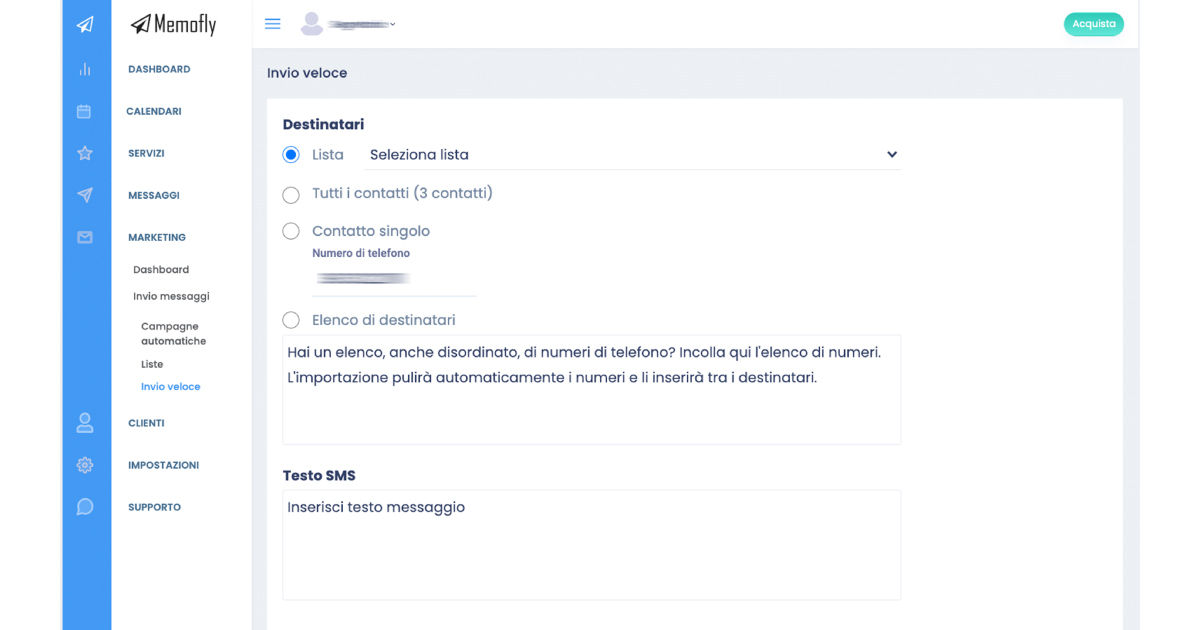
Quick Marketing Campaign: Create and Send in Just a Few Clicks
Create and send an SMS marketing campaign in just a few clicks:
- Go to “Marketing > Send Messages > Quick Send”
- List: click on “select list” and choose one from the menu
- All contacts: send to all your contacts among registered customers
- Single contact: enter the number of your single recipient here
- Recipient list: paste a list of contacts (if messy, it will be automatically cleaned up)
- SMS text: carefully write your SMS text
- Sending options: choose immediate sending or scheduled sending by setting the date and time. You can type the date and time in the appropriate field or select them by clicking on the calendar icon
- Click “Send” and you’re done
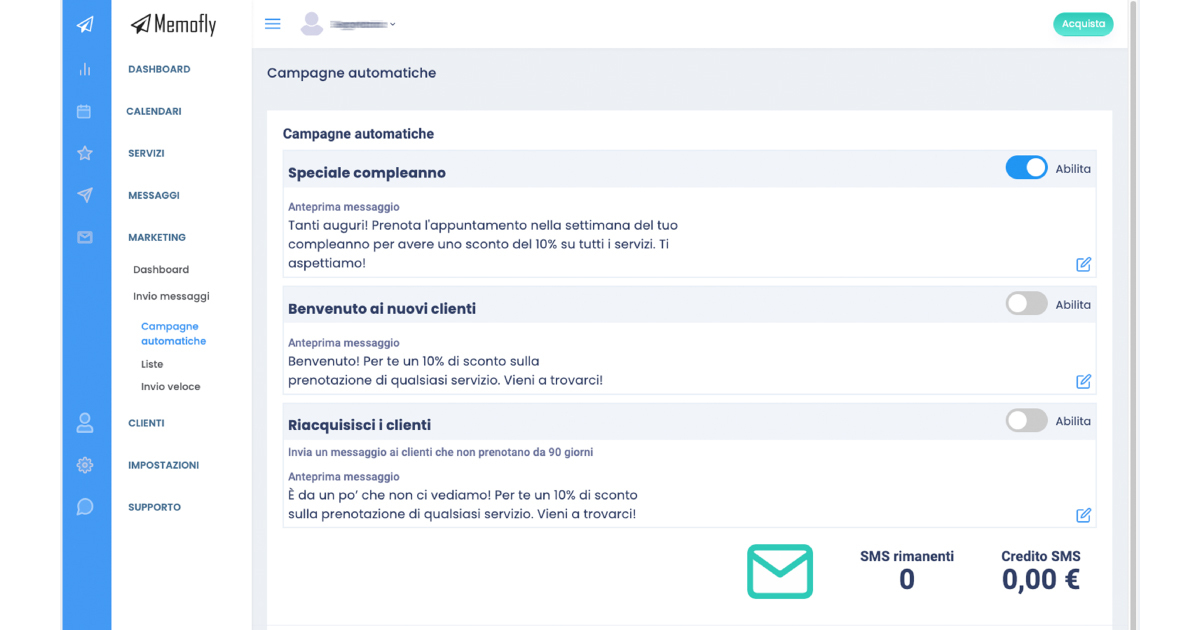
Automatic Campaigns: Save Time and Effort
Do SMS Marketing the easy way. Enable and customize the predefined automatic campaigns we’ve designed for you:
- Birthday special: Send personalized greetings to your customers on their birthday.
- Welcome new customers: Welcome new customers and build their loyalty with a special message. Invite them to come back.
- Re-engage customers: Send a message to inactive customers who haven’t booked in a while. Invite them back with dedicated offers. (Customize the number of days of inactivity for your recipient).
Stay in Touch with Your Customers. You Have to Try It
Your customers are your treasure, make yourself present and don’t forget about them. Keep their interest and loyalty alive.